

How I made a costume of The Silent from Slay the Spire

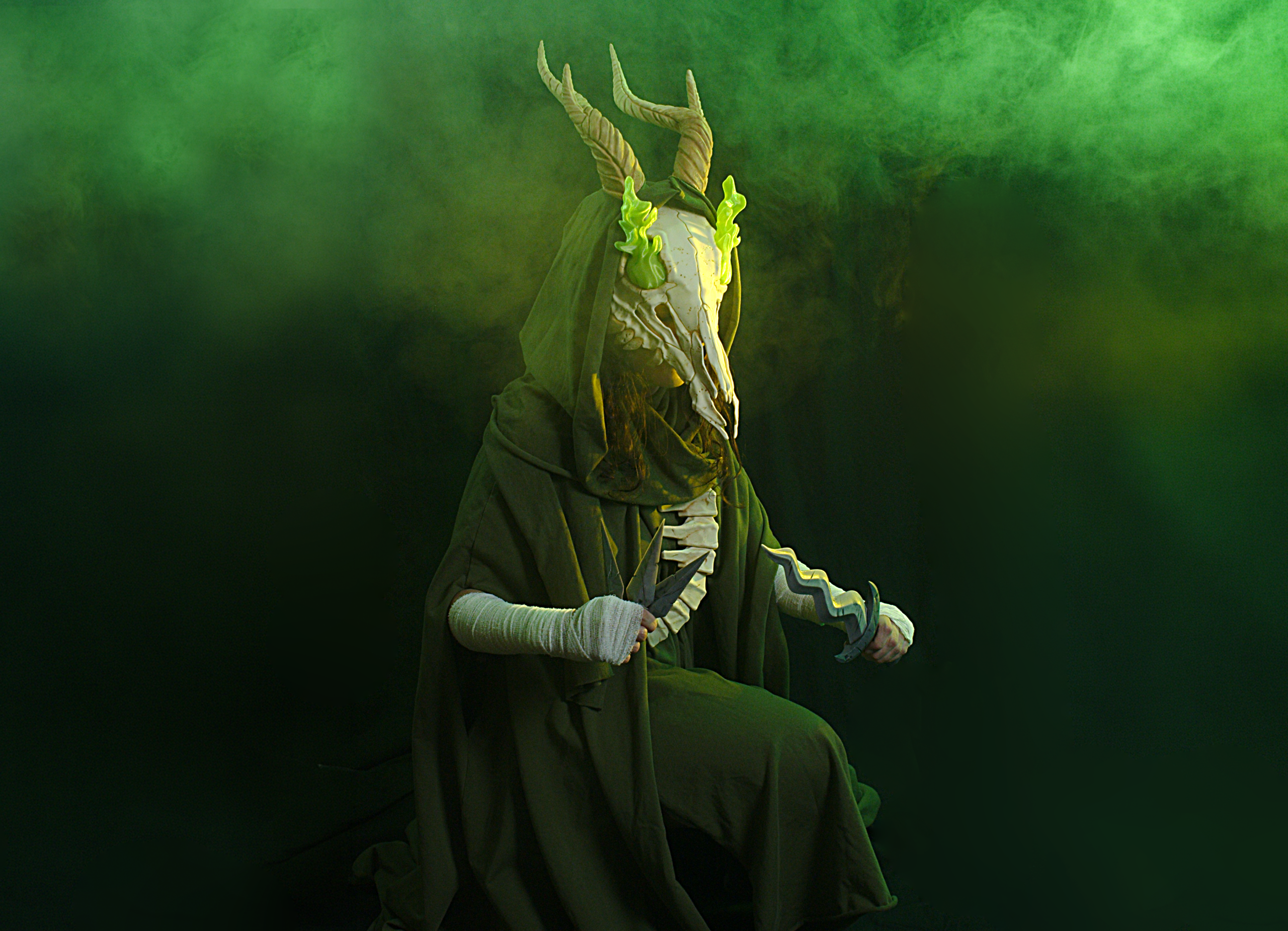
At 3Demon, I recently created a full set of props inspired by Slay the Spire and its iconic character, The Silent. The project included a dagger, shivs, a helmet, and a vertebra spine designed for cosplay.
For a quicker overview of the whole costume build and final look, check out the video version.
Why I Chose to Cosplay The Silent
The Silent is one of my favorite character designs from Slay the Spire. I’ve always loved indie game studios and enjoy creating projects inspired by games I genuinely admire. I was completely obsessed with the first Slay the Spire game, so making a costume inspired by the upcoming second game felt like the perfect project.
3D printing the skull mask
The Silent Helmet STL Files
There are two versions of our helmet 3D print model:
-
A version inspired by the first Slay the Spire game, where the skull is directly connected to the vertebra spine.
-
A newer version inspired by the second game, where the helmet and vertebra are separated.
For this costume, I chose the second-game design, although the assembly process is very similar for both versions.
I printed the uncut skull and horns on Prusa XL. But don’t worry! Our files also contain cut .stl files and presupported .3mf files for standard printers with a 200x250cm print bed.
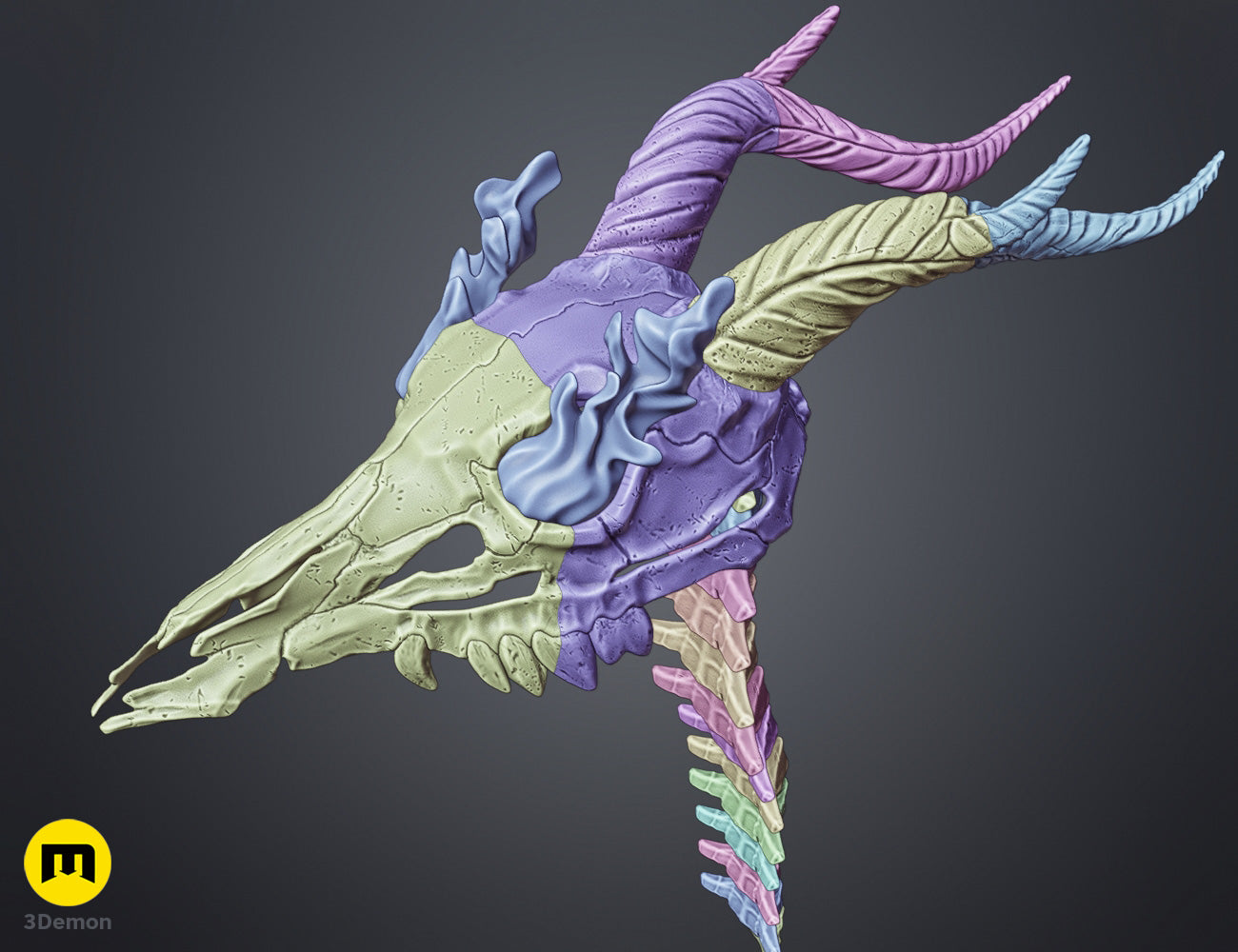
3D Print setup:
For my print settings, I used 5% infill. The mask’s weight distribution leans to the back quite a bit because of the large horns, but I actually liked the balance it created while wearing the helmet.
The PLA filament I used for the skull and horns is called Extrafill Light Ivory from Fillamentum.
Filament Used
This print required approximately 865 g of filament in total:
-
770 g of Light Ivory for the skull and spine
-
60 g of Rapunzel Silver for the shivs and dagger blade
-
20 g of Iron Grey for the pommel and dagger guard
-
15 g of rPLA Wine for the dagger handle
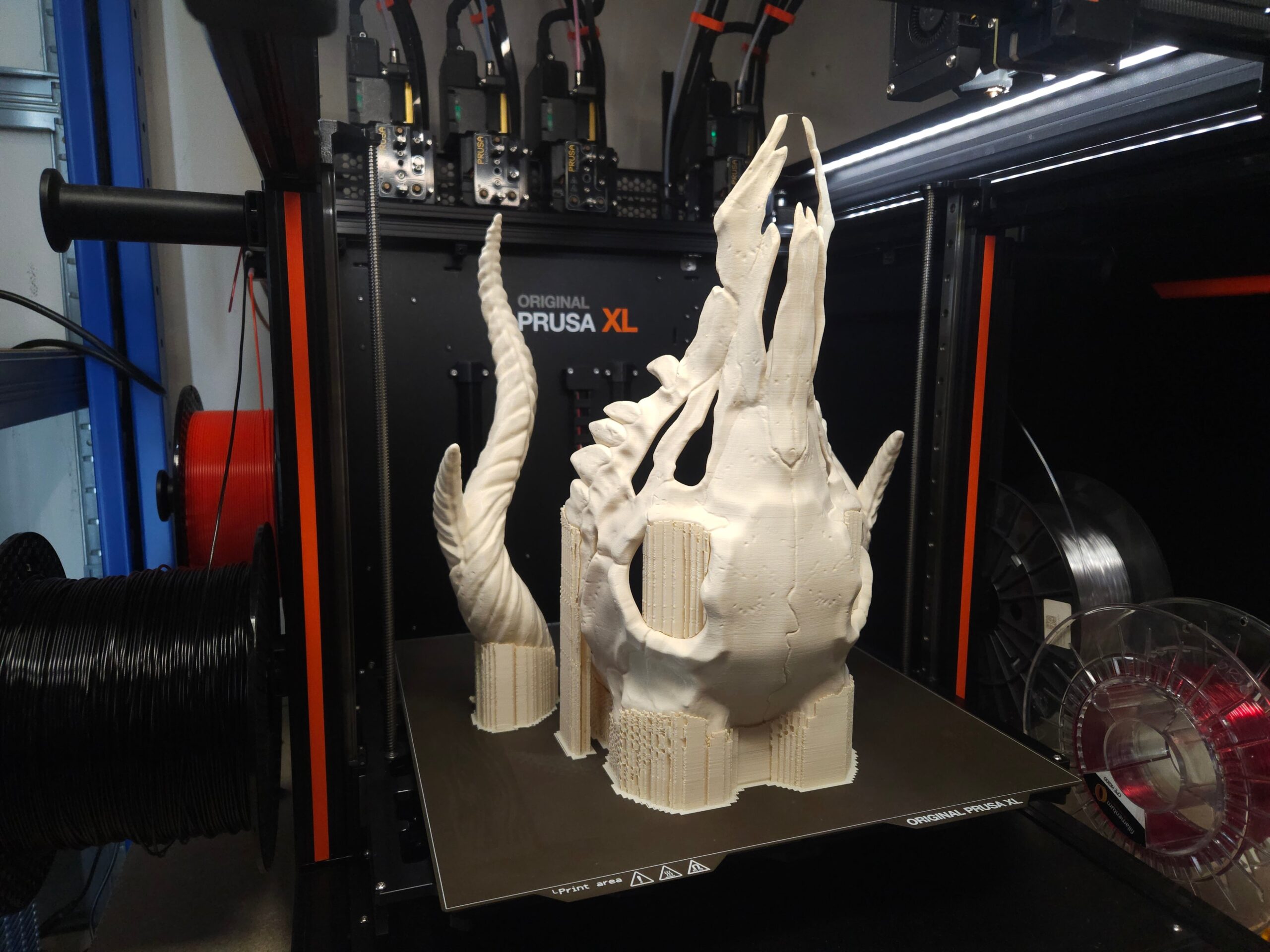
Helmet Post-Processing:
For this version of The Silent, I wanted a relatively simple post-processing workflow.
1.First, I removed all the supports and cleaned the printed parts.
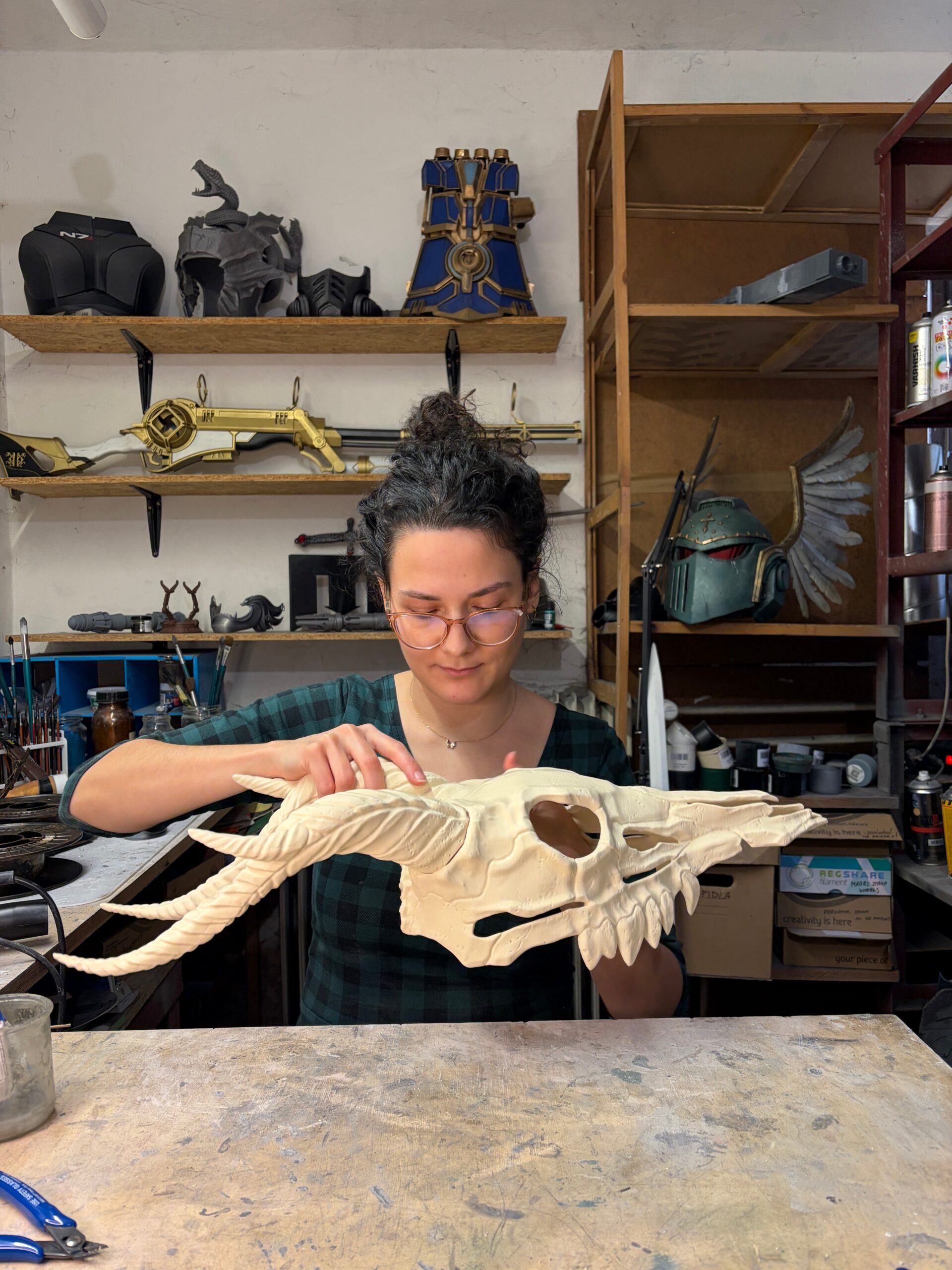
2.Next, I sprayed the entire helmet with matte varnish spray.
This is an important step because it helps fill small print layer gaps and creates a smoother surface for painting without having to sand and repaint the whole helmet. This makes for an easy post-process job.
3.After the varnish dried
I painted the helmet using beige and brown acrylic colors from Vallejo, although any acrylic paints should work well on top of the varnish layer.
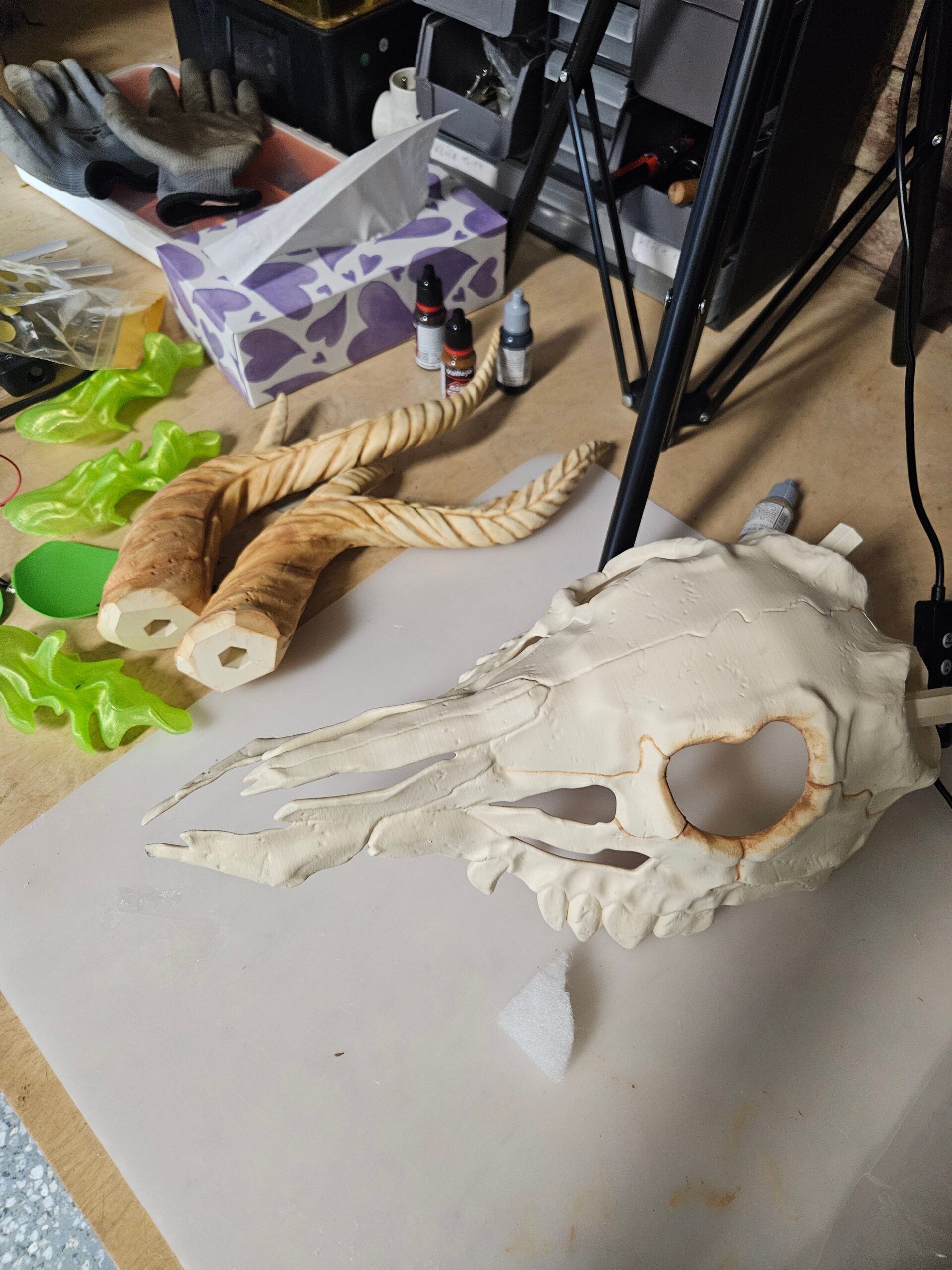
I focused mainly on shadows, depth and bone texture for creating a more organic effect.
The horns received additional color variation to make them stand out more.
Assembling the Helmet:
You can use super glue for quick attachment, but I chose epoxy glue for a stronger connection, especially since there’s a high chance you’ll accidentally hit walls, doors, or people while wearing giant horns at conventions 😀
Finally, I sealed the entire surface with another layer of matte varnish.
LED Flame Eye Effect:
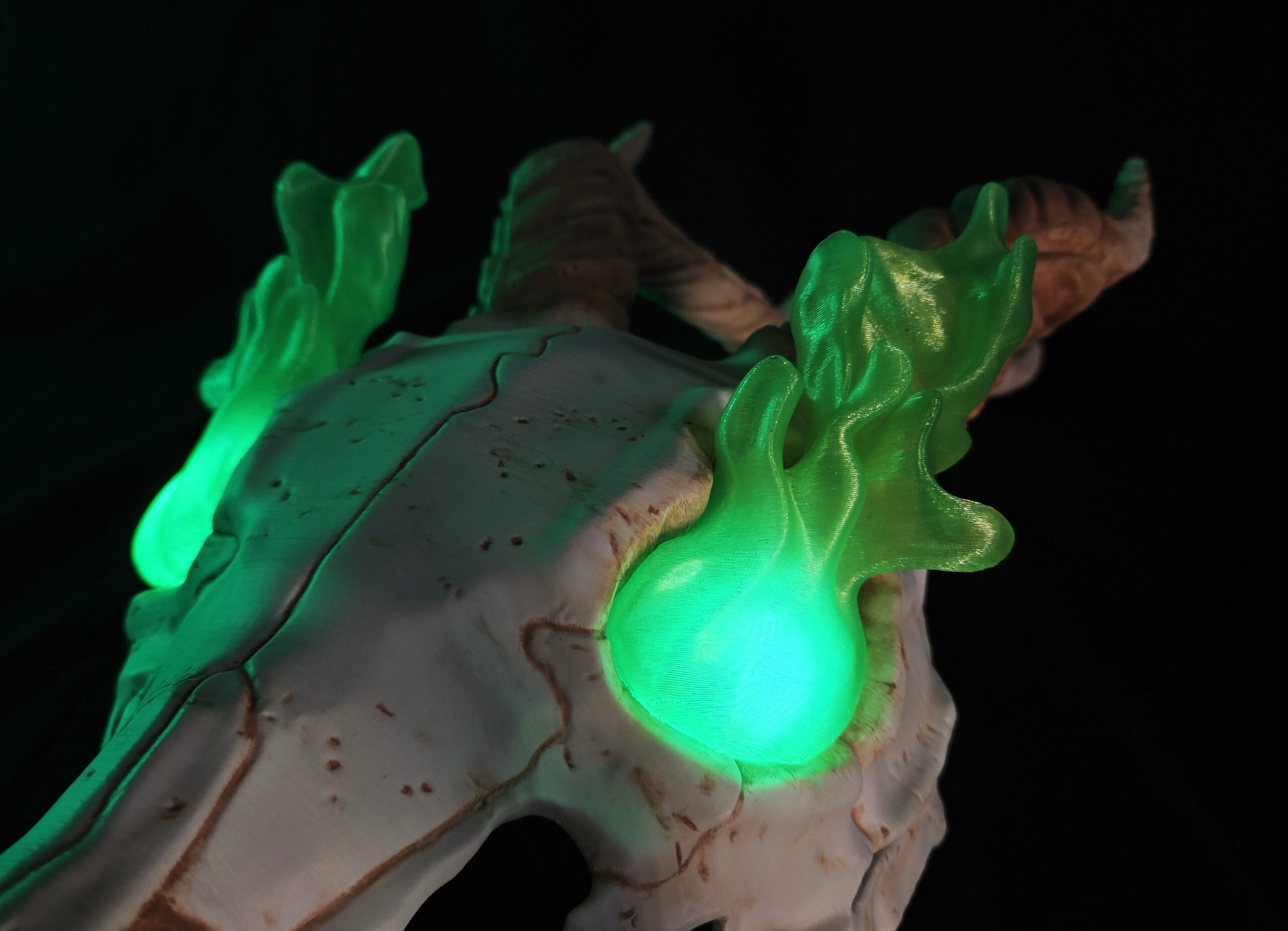
For the eyes, there are several options. You can leave them hollow, use our visor or add an LED flame effect.
For me, it’s always lights! Let it shine!
I used transparent Crystal Clear “Kiwi Green” filament from Fillamentum to create glowing flame effects.

The lighting setup included Green LEDs, a battery pack and a small switch.

I was honestly in a bit of a rush, so I glued the electronics directly into the mask. However, I highly recommend using a removable battery socket system for easier maintenance.
To diffuse the light inside the flames, I used quilting padding material. I also added eye covers inside the helmet so I wouldn’t completely blind myself with light while wearing it :D.

Building the Vertebra Spine
The vertebra system is designed to be modular and adjustable in length.
The design includes:
-
3 pattern variations (A, B, C)
-
4 sizes (XS, S, M, L)
This creates a dynamic organic look without obvious repeating pieces.
For the easiest setup, simply print one piece from each variation and size.
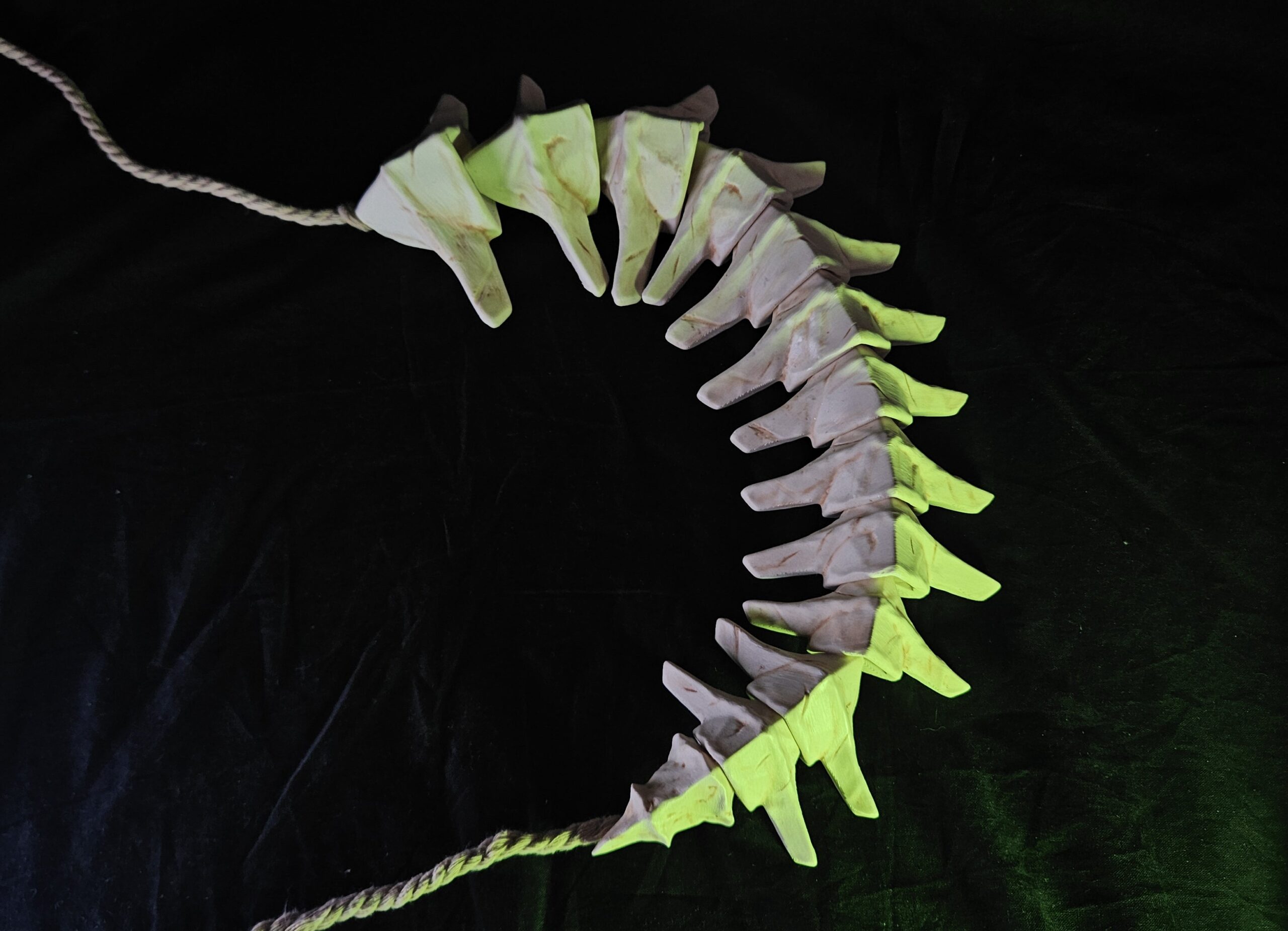
If you want a longer spine, just print additional pieces evenly across the sizes.
Vertebra Painting & Assembly:
I used the same finishing process as the helmet, so matte varnish, acrylic painting and final varnish seal.
To attach the vertebra to my costume, I used an 8 mm natural beige rope, which matched The Silent’s aesthetic perfectly.I tied large knots at both ends to keep everything securely in place.
For the Slay the Spire 1 version, the rope can be threaded directly through the helmet.
Crafting the Dagger and Shivs
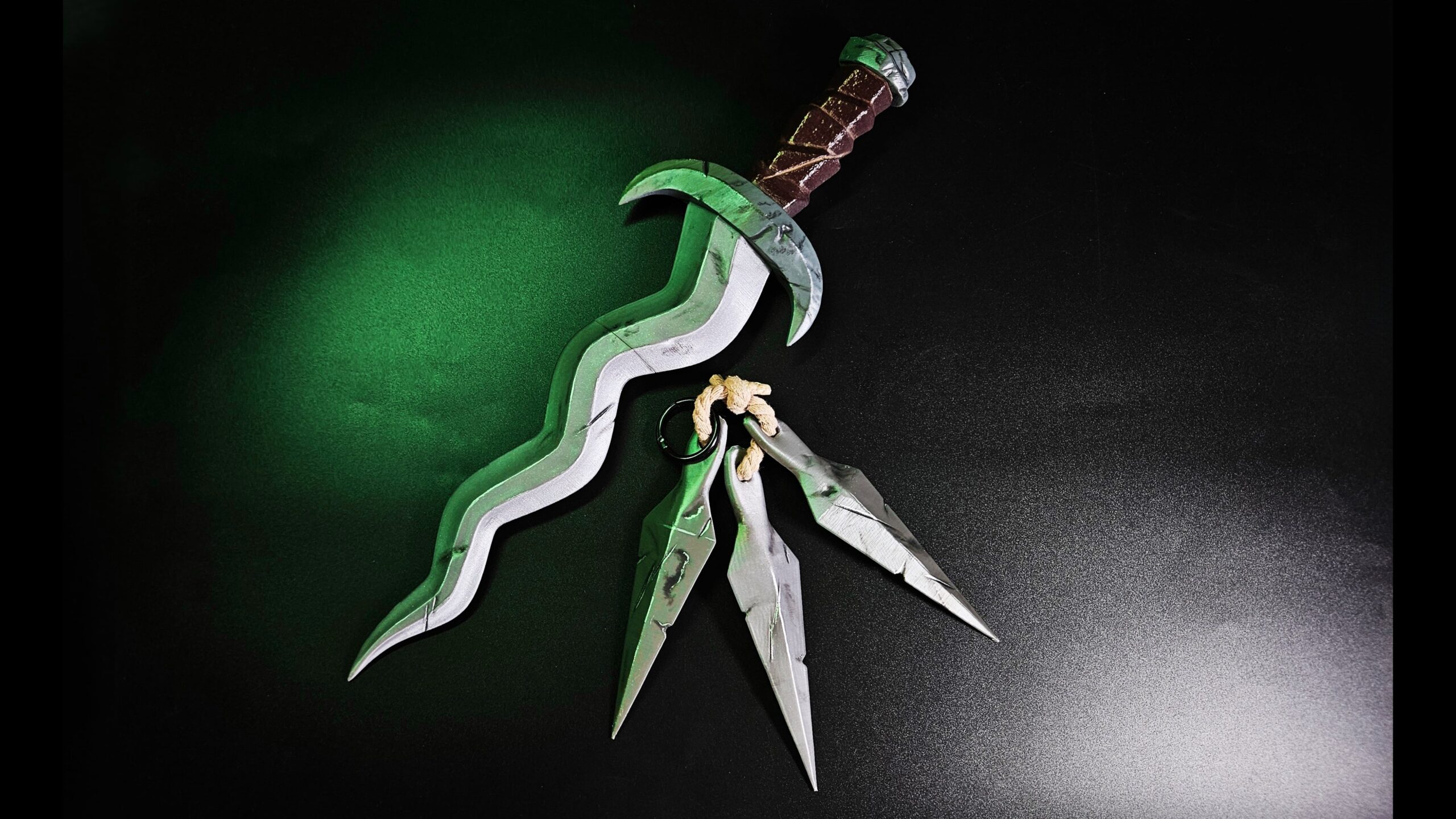
The dagger and shivs were printed using a combination of Fillamentum filaments “Rapunzel Silver” and “Iron Grey” and Prusament “rPLA Wine”.
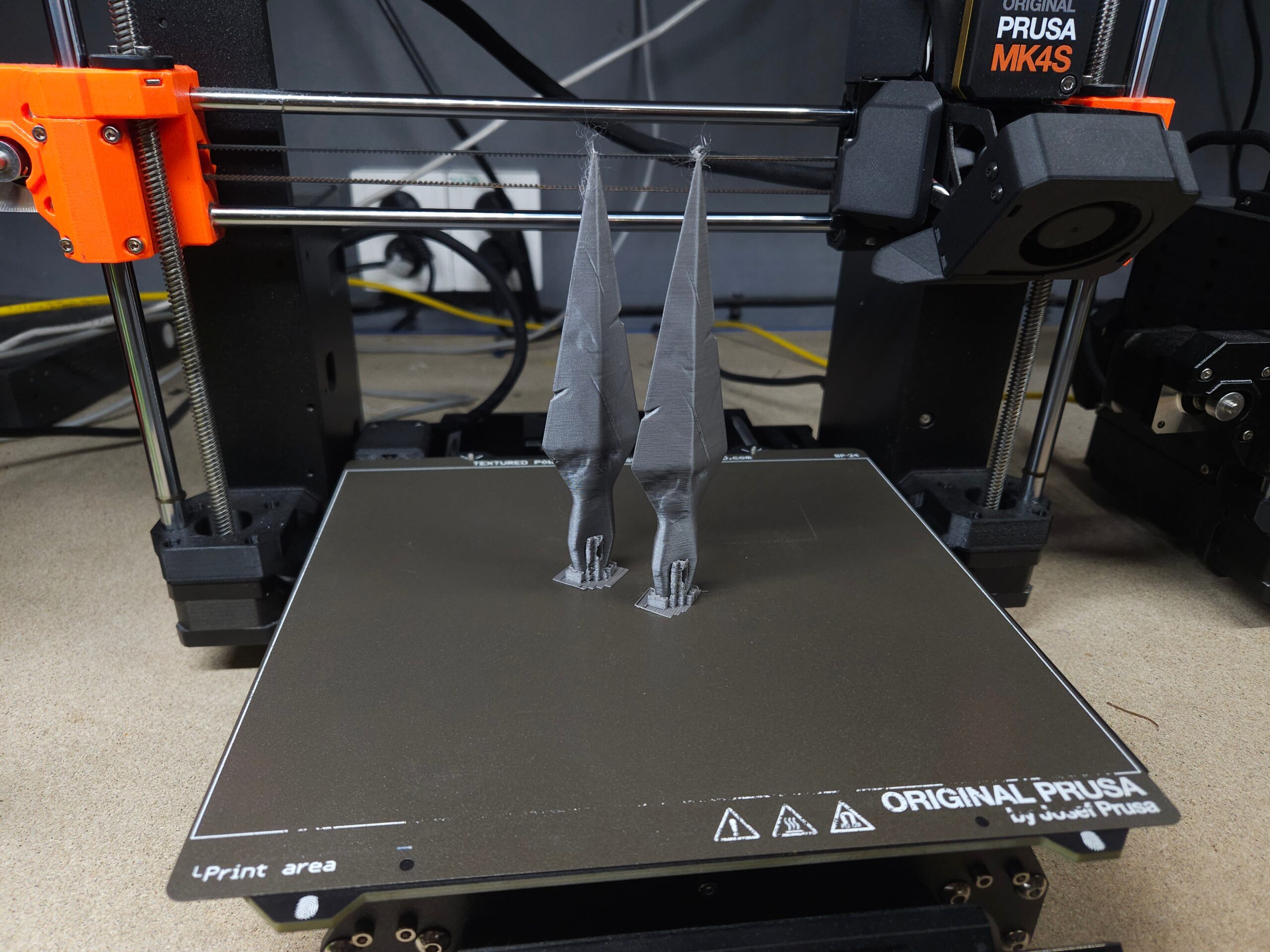
For post-processing, I used the same simple workflow as before. First layer with matte spray varnish, then acrylic painting dark spots, scratches and damage marks. At the end I used glossy spray for the shine finish.
For extra durability, I inserted a 30 cm long wooden rod into the dagger handle and secured it with epoxy glue.
Textile Parts & Accessories
I’m still a beginner when it comes to sewing, so I kept the outfit intentionally simple.
The costume consists of a tunic, cloak and hood. Everything was made using French Terry fabric, although the final costume ended up being a bit heavy.
The tunic is essentially a simple rectangular design with openings and rope fasteners. Simple, effective, and beginner-friendly 😀
For the cloak, I followed a guide from the fabric seller and then improvised the rest. There are also many excellent cloak sewing tutorials and patterns available online, and it’s surprisingly approachable even for beginners.
For the hood, I used a simple sewing pattern purchased on Etsy.
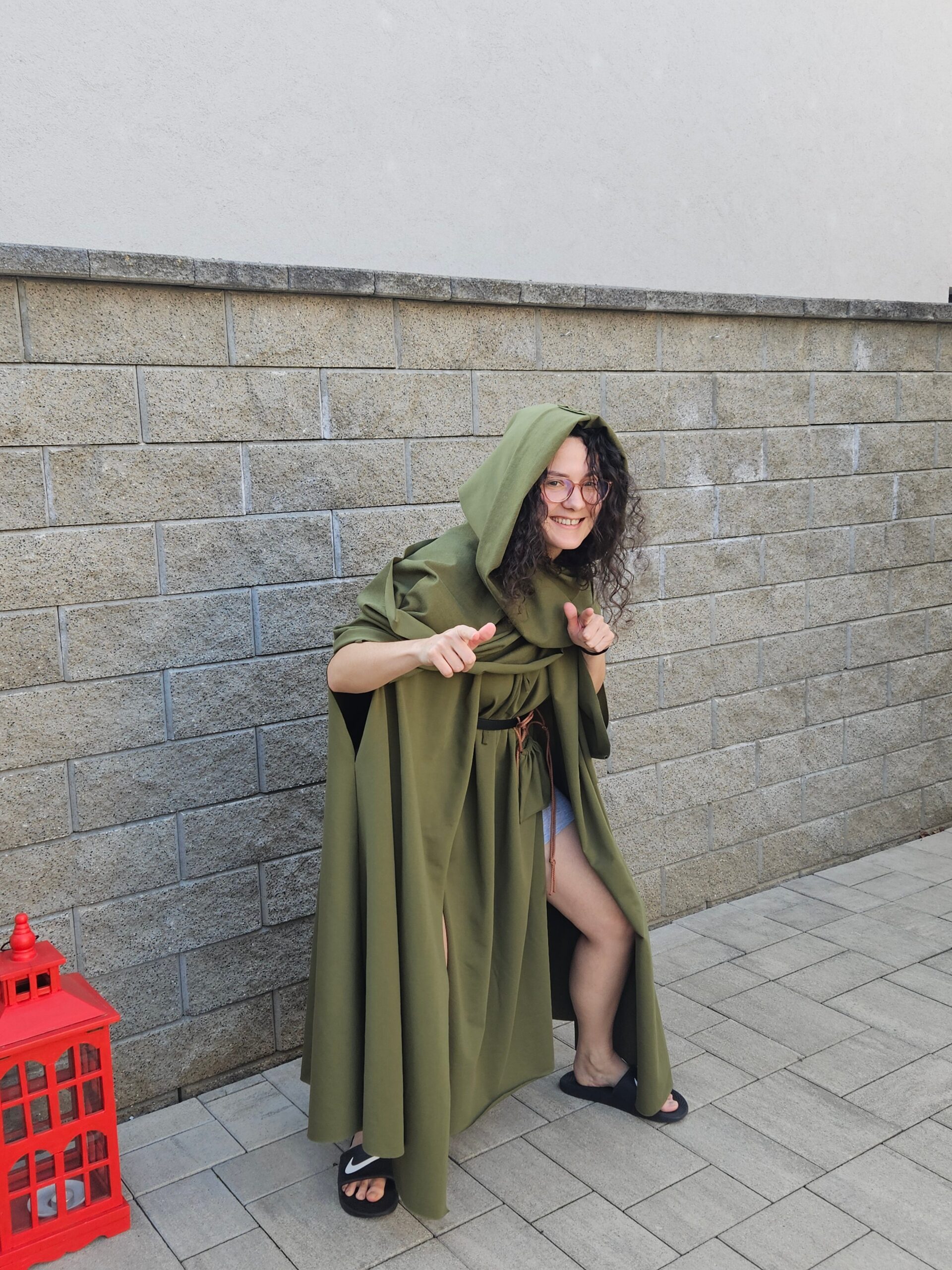
The design also works well for The Silent from the first game because it combines the hood and a scarf. I attached it beneath the tunic using a safety pin.
Final Costume Details
To complete the look, I wrapped bandages around my arms and legs. Next time, I’d probably create stretch bandage sleeves with zippers to make dressing much faster during conventions.
I also recommend wearing painted shorts under the tunic or sewed bandages directly onto shorts. This improves both mobility and overall appearance.
Comic Con Prague Showcase
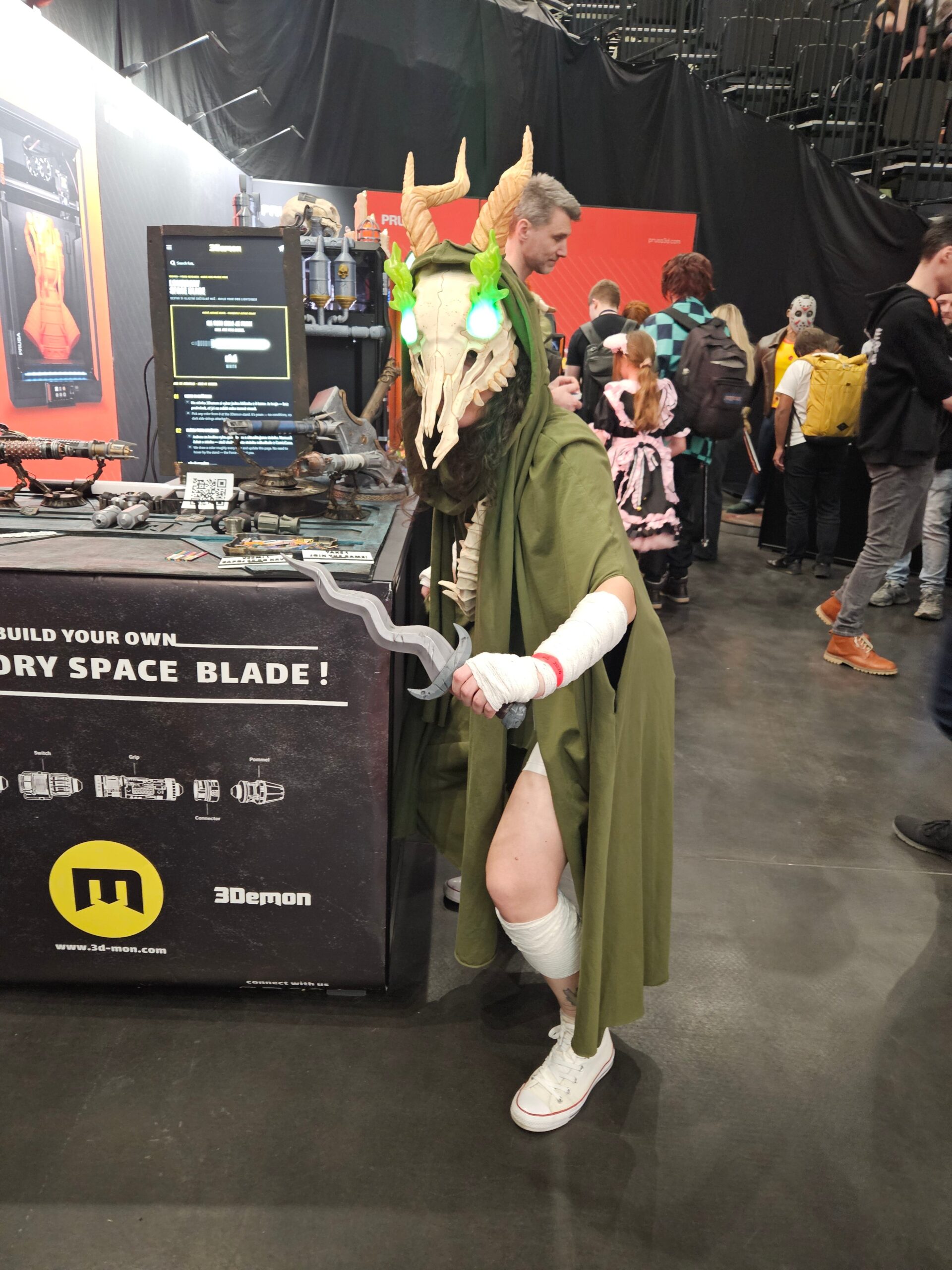
We also brought this costume to Comic Con Prague, where it was amazing to see people recognize and enjoy the build in person.
I hope you enjoyed this project and especially the models themselves!
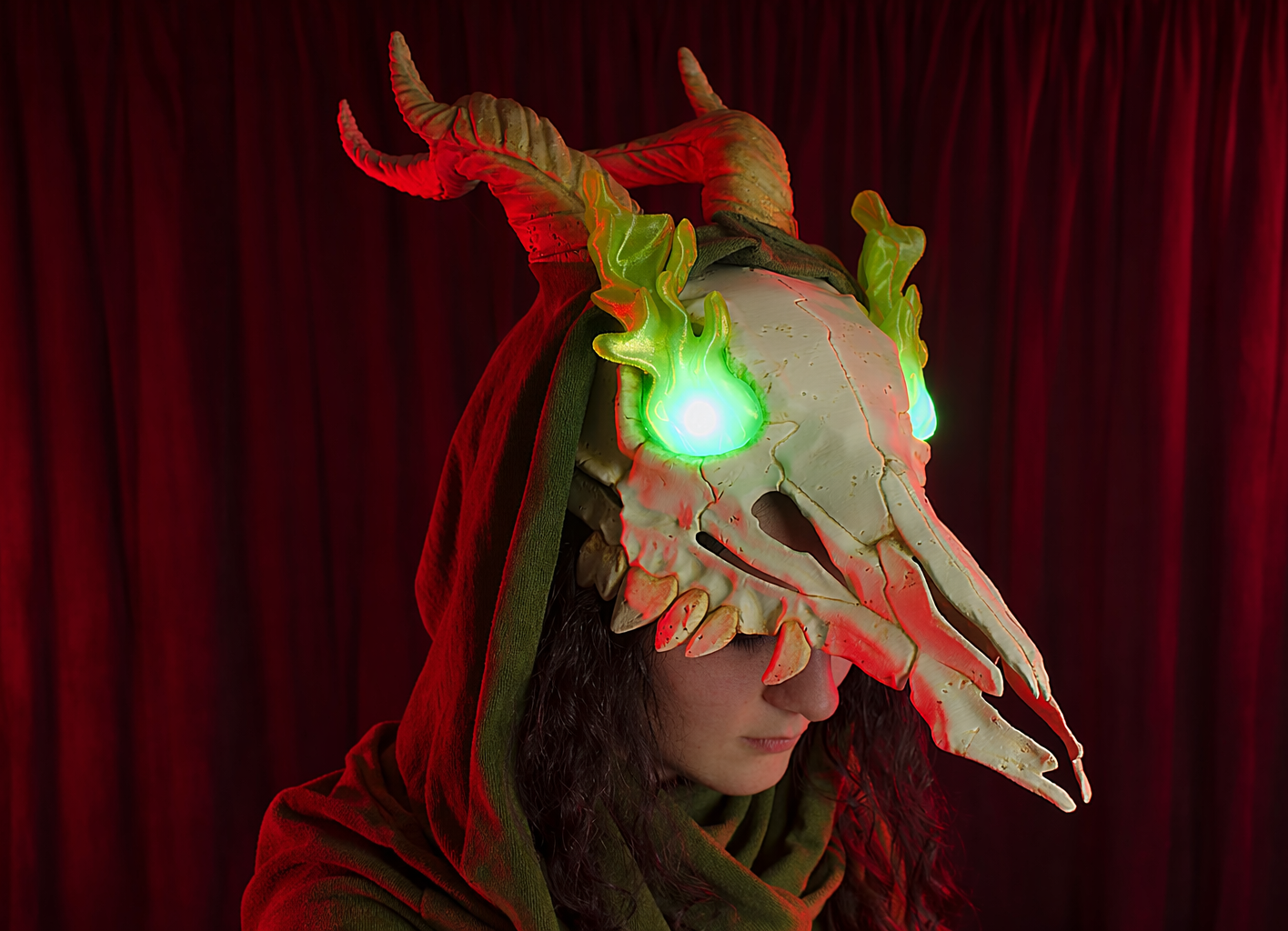
If you create your own version of Silent costume using our files, we’d love to see it! Share your creations with us and stay in touch for more cosplay props, tutorials, and upcoming projects inspired by video games and pop culture 🙂
Merchant Slay The Spire Mask
We also made a model of the mask of the Merchant from Slay the Spire, which paired with a large blue hoodie can make for a great couples cosplay 🙂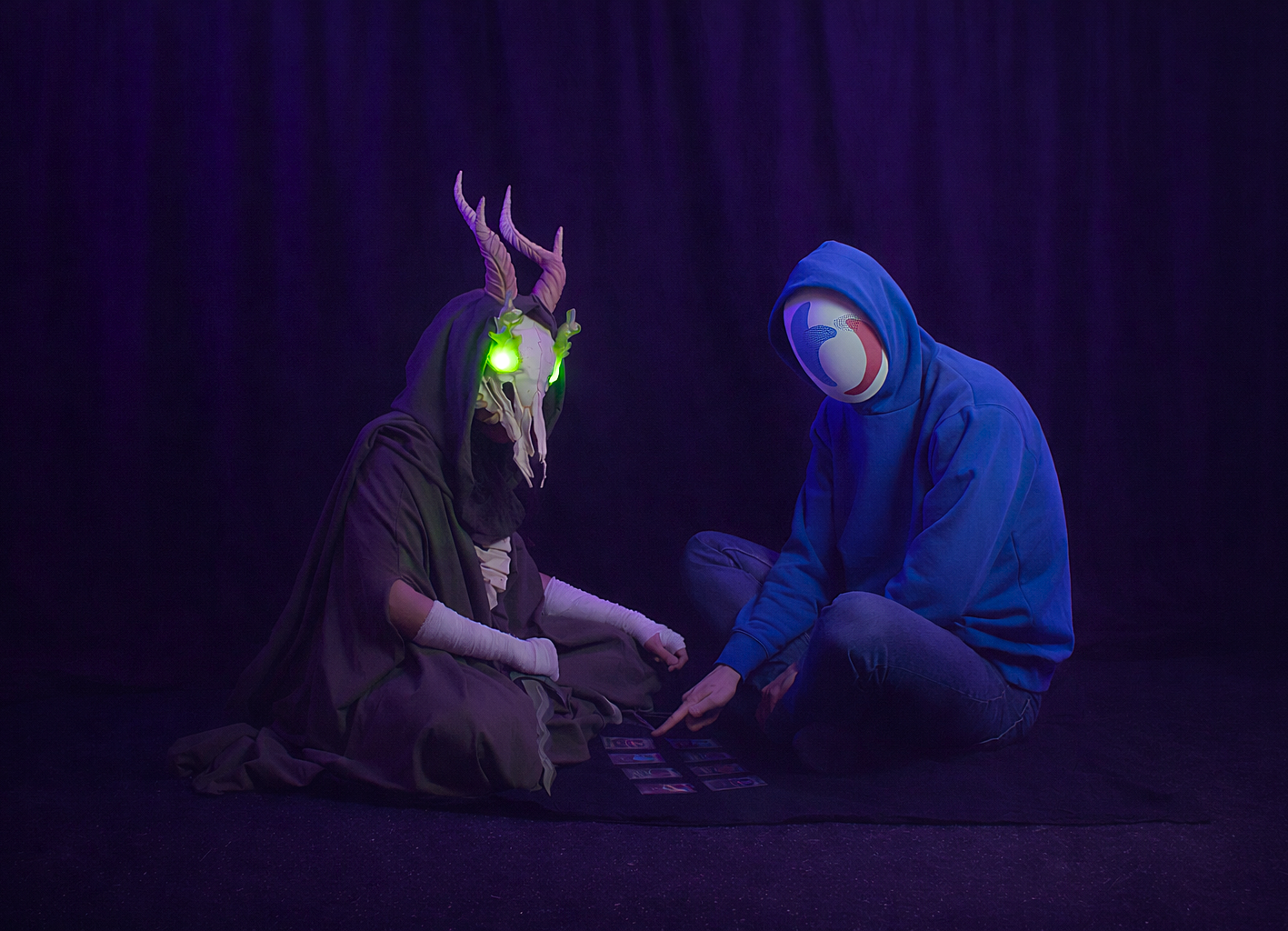
Comments
Building the dagger, shivs, helmet, and vertebra spine as a coordinated set gives the costume a much stronger identity than relying on one oversized prop. The smaller pieces also offer a practical way to test fit and finishing choices before committing to the helmet.
Leave a Comment